
Opus Clip AI Video Clipping Platform
Multi-tenant cloud platform that auto-clips long videos into social-ready shorts with AI scoring, face tracking and FFmpeg rendering.
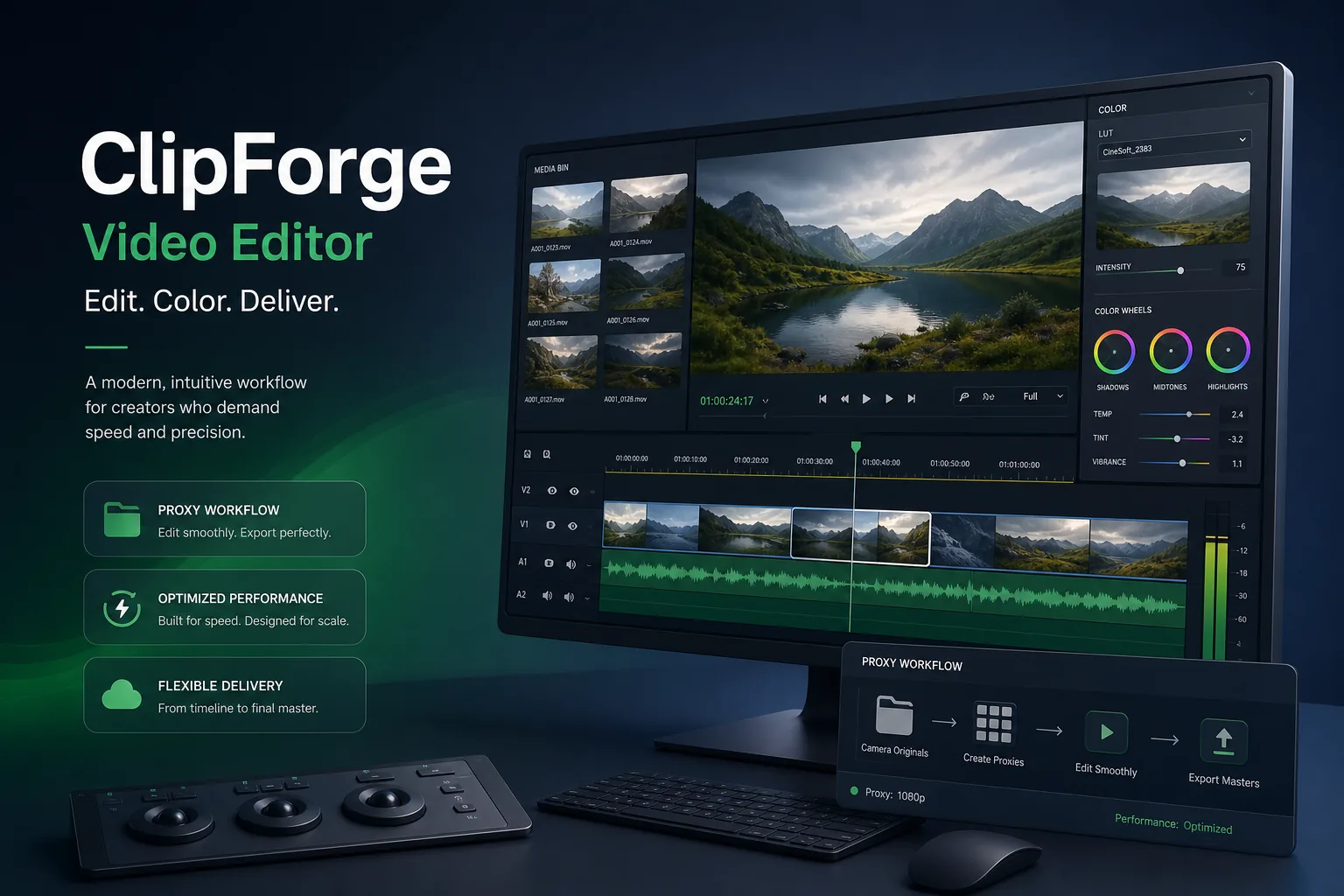
Opus Clip AI Video Clipping Platform overview
Opus Clip is an automated video processing platform: creators upload long-form recordings and the system finds the strongest talking points, cuts them into standalone clips, reframes them for vertical feeds and burns in subtitles without a human editor. We took over a fragmented software prototype and rebuilt it into a production-ready, multi-tenant cloud environment capable of distributed AI video processing, deep learning ingestion workloads and high-density file storage across multiple availability zones.
Our roadmap was organised around four targets. Asynchronous processing ingestion decouples video uploads from the user interface so the dashboard never lags behind a render. Elastic compute allocation scales the processing cluster on real-time CPU and memory metrics. High-fidelity automated editing uses machine learning pipelines to detect speech boundaries, visual highlights and contextual changes. Zero-trust system isolation hardcodes security baselines into the network topology, backed by identity services and endpoint threat detection, so user media assets are protected at every layer.
Challenge in Creative video operations
Before we were involved, the software ran as a single-node setup with serious performance problems under continuous media workloads. Video handling blocked the application, so when several users uploaded large files at the same time the app crashed. There was no automated layout configuration: storage filled up without routine cleanups, and processing pipelines had no isolated queues, so one stuck job could hold up everyone else.
The processing itself was built on basic script-based loops that could not scale horizontally across cloud instances. Memory management was unoptimised, which produced regular out-of-memory errors whenever long video formats were submitted for semantic analysis. Security lived in software-level rules rather than the infrastructure layer, which fell short of enterprise compliance criteria. The product needed to become an enterprise-grade service without pausing the creators already relying on it.
Solution architecture & delivery
We rebuilt the platform as a decoupled, microservices-driven system managed by Kubernetes across private and public cloud nodes on AWS and Azure, with Terraform defining network boundaries, subnets, security groups and storage buckets so environments cannot drift. Requests from the web dashboard and mobile app pass through an API gateway that handles Okta authentication and rate limiting before reaching the web and API microservices. Docker images package the Python services, deep learning libraries and system utilities into consistent execution units. The cluster is split into two node pools: general-purpose web nodes for the UI and account services, and a video worker pool on GPU-equipped machine learning instances, so heavy site traffic never slows background rendering.
The clipping pipeline starts when a raw MP4, MOV or MKV file arrives. A demuxer splits it into acoustic and visual streams. The audio path extracts volume changes, tone variation and speech pauses, then an internal transcription tool aligns word timestamps to the video. The visual path runs a scene change detector that flags camera cuts, lighting shifts and slide changes. An AI scoring engine merges the semantic text data with the visual shift map to pick complete, self-contained talking points and emits dynamic timestamp cuts. A repurposing layer then applies GPU face-tracking models to locate the primary speaker in every frame, computes a smoothly moving vertical bounding box, converts landscape to portrait through FFmpeg, burns in kinetic subtitles from the timestamp files, and packages output to the compression and container rules of each social platform.
Data flows through three tiers. Uploads go straight from the client to cloud object storage via presigned URLs in ten-megabyte chunks with MD5 verification, which triggers a PostgreSQL record holding the owner, format details and status flags. Redis manages session tokens and live progress states so the front end can show accurate progress bars without touching the main database. Apache Kafka distributes processing commands to worker pods, while RabbitMQ handles low-latency jobs such as automated emails, accounting limits and outbound webhooks on completion. A fault-tolerant state machine tracks the phase of every task; if a worker crashes, the broker re-queues the job and a healthy node resumes from the last persisted checkpoint, and repeatedly failing tasks move to a dead-letter queue for manual review.
Security and operations were built to SOC 2 Type II, GDPR and HIPAA expectations. TLS 1.3 covers all traffic, AES-256 encrypts object storage and databases with envelope keys rotated every ninety days in hardware security modules, sensitive columns such as emails, passwords and API credentials are encrypted before hitting disk, and temporary video segments are deleted as soon as the final clip renders. Okta provides single sign-on, multi-factor authorisation and tenant-scoped tokens; row-level security and tenant-keyed bucket paths keep accounts isolated; CrowdStrike Falcon monitors every instance; databases and workers sit in private subnets with no public IPs. Prometheus scrapes every pod at ten-second intervals into Grafana, alerts fire if a worker queue exceeds three minutes, immutable logs record every access and configuration change, GDPR deletion completes within twenty-four hours of account closure, and blue-green rolling deployments ship updates with automatic rollback.
Key features of the Opus Clip AI Video Clipping Platform
- Automated clipping pipeline: demuxing, acoustic feature extraction, NLP word alignment, scene boundary detection and AI engagement scoring
- Repurposing layer: GPU face tracking, dynamic vertical bounding boxes, landscape-to-portrait FFmpeg transforms and kinetic subtitle burn-in
- Multi-platform packaging to the compression and container specifications of each social network
- Chunked presigned uploads in ten-megabyte parts with resumable transfers and MD5 checksum verification
- REST API, real-time webhooks and extensible auth tokens for third-party tools and external editing suites
- Kafka and RabbitMQ task queues with dead-letter pools and checkpointed resume after worker crashes
- Horizontal pod autoscaling on queue depth and hardware utilisation, with new GPU workers processing in under ninety seconds
- Zero-trust security: Okta SSO and MFA, row-level tenant isolation, AES-256 envelope encryption and CrowdStrike Falcon runtime protection
Who this SaaS product is for
The architecture fits media and creator-economy products that must turn long recordings such as podcasts, webinars, livestreams and lectures into short-form content at volume, and any team whose prototype works for one user but collapses under concurrent uploads. It is equally relevant to organisations that need multi-tenant media processing under SOC 2, GDPR or HIPAA obligations, where storage isolation, audit trails and deletion guarantees matter as much as rendering speed.
Impact & results
- Replaced a single-node prototype that crashed under simultaneous uploads with a horizontally scaled, multi-tenant Kubernetes platform
- Video processing decoupled from the UI, so dashboards stay responsive while GPU workers render in the background
- Isolated worker pools and queues replaced the script loops that caused out-of-memory errors on long videos
- Clips are cut, reframed, subtitled and packaged for social platforms without human intervention
- New worker nodes online in under ninety seconds; alerts within three minutes of a stalled queue; GDPR erasure within twenty-four hours of account closure
- Terraform templates let the team spin up a mirror environment in an alternate cloud region within minutes
FAQ about the Opus Clip AI Video Clipping Platform
What problem does the Opus Clip AI Video Clipping Platform solve?
It turns long-form recordings into standalone, vertically reframed, subtitled clips without a human editor, and replaces a single-node prototype that crashed under simultaneous uploads with a multi-tenant Kubernetes platform that processes video asynchronously on GPU workers.
Which technologies power the Opus Clip AI Video Clipping Platform?
FFmpeg for decoding, aspect ratio conversion and subtitle burning; Python services and deep learning models in Docker containers on Kubernetes across AWS and Azure; Apache Kafka and RabbitMQ for task queues; PostgreSQL and Redis for metadata and live progress; Terraform for infrastructure as code; Okta for identity; CrowdStrike Falcon for endpoint security; Prometheus and Grafana for monitoring.
How does the platform handle large video uploads without timeouts?
Files are split client-side into ten-megabyte chunks and sent in parallel to cloud storage through presigned URLs, bypassing the API gateway and web servers. Individual chunks can be resumed if a connection drops, and every chunk is validated with an MD5 checksum before the upload is accepted.
How is tenant data kept isolated and secure?
Every request carries an Okta-validated token with the account identifier, database queries append row-level owner checks, and media files live in bucket paths keyed by tenant. Storage and databases use AES-256 envelope encryption with keys held in hardware security modules and rotated every ninety days, and every key use is written to an immutable audit trail.
Opus Clip AI Video Clipping Platform product screens
Build your next Creative product with Next Olive
Share your requirements — we will propose scope, timeline and stack within one business day.